Digital infrastructure has ceased to be an auxiliary element of business and has become its foundation: the availability of services, the speed of product operation, and, ultimately, the company's financial results directly depend on the stability of its servers. At the same time, requirements for reliability, security, and scalability are constantly growing, and maintaining an in-house server room is becoming increasingly costly and complex to operate. In such an environment, businesses require a solution that allows them to maintain control over their systems while still relying on professional equipment.
This is why the colocation model is particularly relevant today. It allows you to move equipment to a specialized data center environment, where all the conditions for its stable operation are already in place, and focus on developing your own services. In this article, we'll explore colocation, the various colocation formats available, its features, and how to choose the best option for specific needs.
Contents:
- Colocation is...
- What is colocation in simple terms?
- Main types of colocation services
- How colocation works in a data center
- What is usually included in the colocation service?
- Advantages of colocation
- Disadvantages and limitations
- Colocation vs. Other Models
- How to Choose a Colocation Format
- How to Choose a Data Center
- Typical Use Cases
- FAQ
Colocation is...

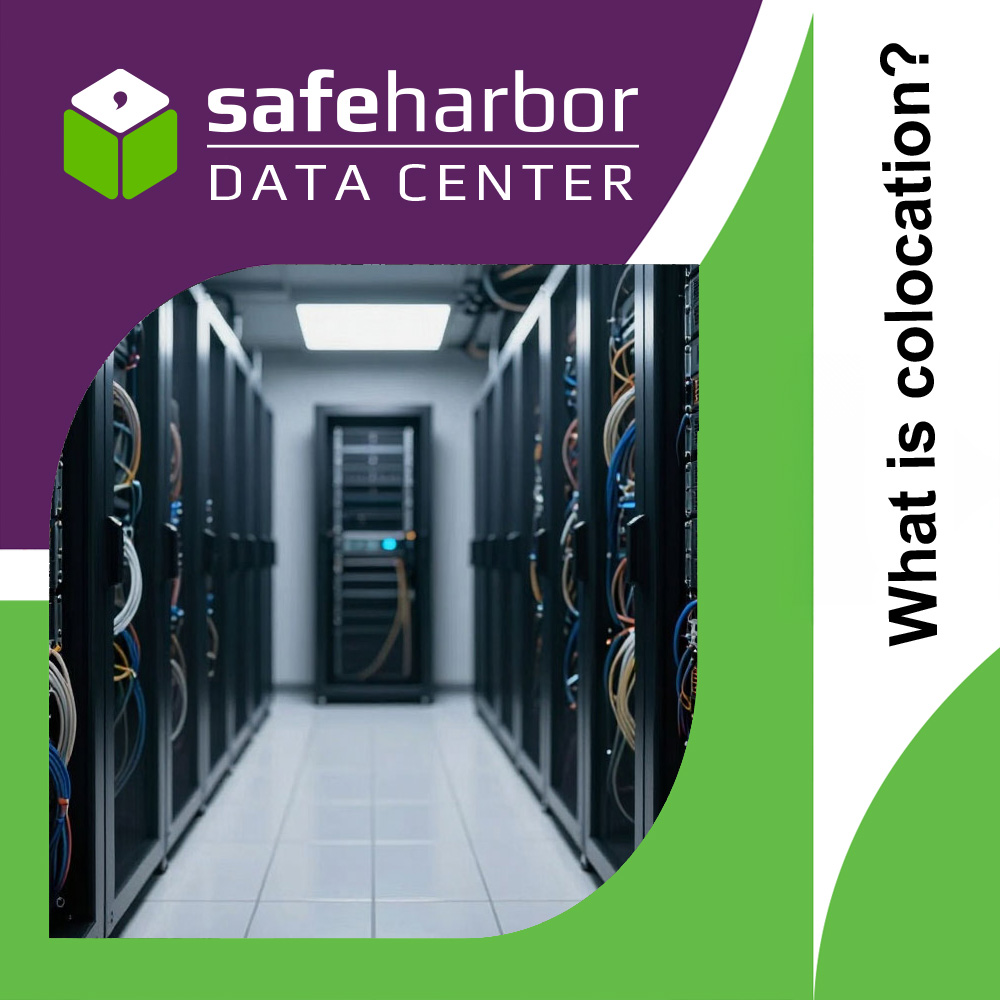
Colocation is an IT infrastructure hosting model in which a company installs its own server equipment in a professional data center. Unlike leasing computing power, the client retains full control over the hardware, while the provider provides the environment for its uninterrupted operation: power supply, cooling, network connectivity, and physical security.
The essence of this service is the division of responsibilities: the business is responsible for its servers and software, and the data center is responsible for the infrastructure foundation. This approach allows for the use of industrial-grade resources without the need to build and maintain an in-house server room.
How the model works in practice: the client's equipment is delivered to the data center and installed in a dedicated space—from a single unit to an entire rack or isolated area. After installation, it is connected to the site's engineering systems and communication channels. Further operation follows a simple logic:
- the client remotely manages their servers and services;
- if necessary, they engage site specialists to perform physical work;
- the data center ensures stable operating conditions for systems and equipment.
Colocation is primarily about the rational distribution of resources: the company focuses on developing its services and products, transferring complex engineering to a professional site where all the conditions for reliable and continuous equipment operation have already been created.
What is colocation in simple terms?
To put it simply, colocation is when you take your equipment and place it not in your office, but in a specially prepared location that already has everything necessary for its stable operation. You don't need to worry about electricity, cooling, and security—the facility handles all of that, and you continue to use your servers as usual.
Simply put, you don't rent someone else's capacity; you use your own, simply moving it to a more secure and professional environment. The equipment remains yours, access to it remains, but its operating conditions are significantly better than in a regular server room or office.
It's figuratively comparable to storing valuables. Instead of keeping them at home, you put them in a safe deposit box: the contents belong to you, you decide what to do with them, but the bank provides security, access control, and storage conditions. You don't build your own storage—you use existing infrastructure.
Therefore, colocation isn't about transferring control, but rather about moving equipment to a location where it operates more reliably, stably, and securely, without the additional costs of building your own infrastructure.
Main Types of Colocation Services
Colocation is not a single, fixed service. It encompasses several formats that vary in scale, level of isolation, and degree of control over equipment. From renting a single unit to dedicated space for your own rack, each option addresses its own needs and is suited to a specific stage of IT system development. Below, we'll examine the key colocation formats to understand when each approach makes sense.
Unit Rental (U)
Unit rental is the most basic and compact format for equipment placement in a data center. A unit (denoted as U) is a standard unit of server rack height. One rack unit is equal to 1.75 inches (44.45 mm), and this is the unit used to measure all equipment installed in a rack: servers, network devices, and storage systems.
In practice, this works out like this: if a server occupies 1U of height, it fits into one rack slot; if 2U, it fits into two slots, and so on. Thus, when renting rack units, the client doesn't actually pay for the entire rack, but only for the required vertical space for their equipment.
This format is suitable for situations where large amounts of equipment are not required and minimizing deployment costs is important. Unit leasing is most often chosen:
- for hosting one or more servers;
- when launching new projects or test environments;
- for small IT workloads without the need for large-scale infrastructure;
- as a first step before further expansion.
Unit leasing allows you to flexibly start working with minimal investment and gradually increase your presence in the data center as your needs grow, without overpaying for excess space.
Rack Space Rental
Rack space rental is a colocation format in which the client receives not individual units (U), but a pre-allocated range within a server rack, measured in units. This means a fixed number of consecutive units combined into a single space, simplifying the placement and operation of a group of equipment.
Unlike point colocation, here the infrastructure is perceived as a single unit: servers, network devices, and additional components are compactly arranged, without interruption across the rack. This is convenient for cable management, cooling, and overall order during installation.
This format is usually chosen in situations where single units are already a limitation, but renting an entire rack is still excessive:
- when deploying multiple servers interconnected into a single system;
- when using additional equipment (switches, storage systems);
- when an organized and compact layout is important;
- during infrastructure growth, when more space is required while maintaining flexibility.
Renting part of a rack becomes a logical intermediate solution: it provides more structure and ease of use compared to units, but does not require upgrading to a full-fledged dedicated rack.
Rack Rental
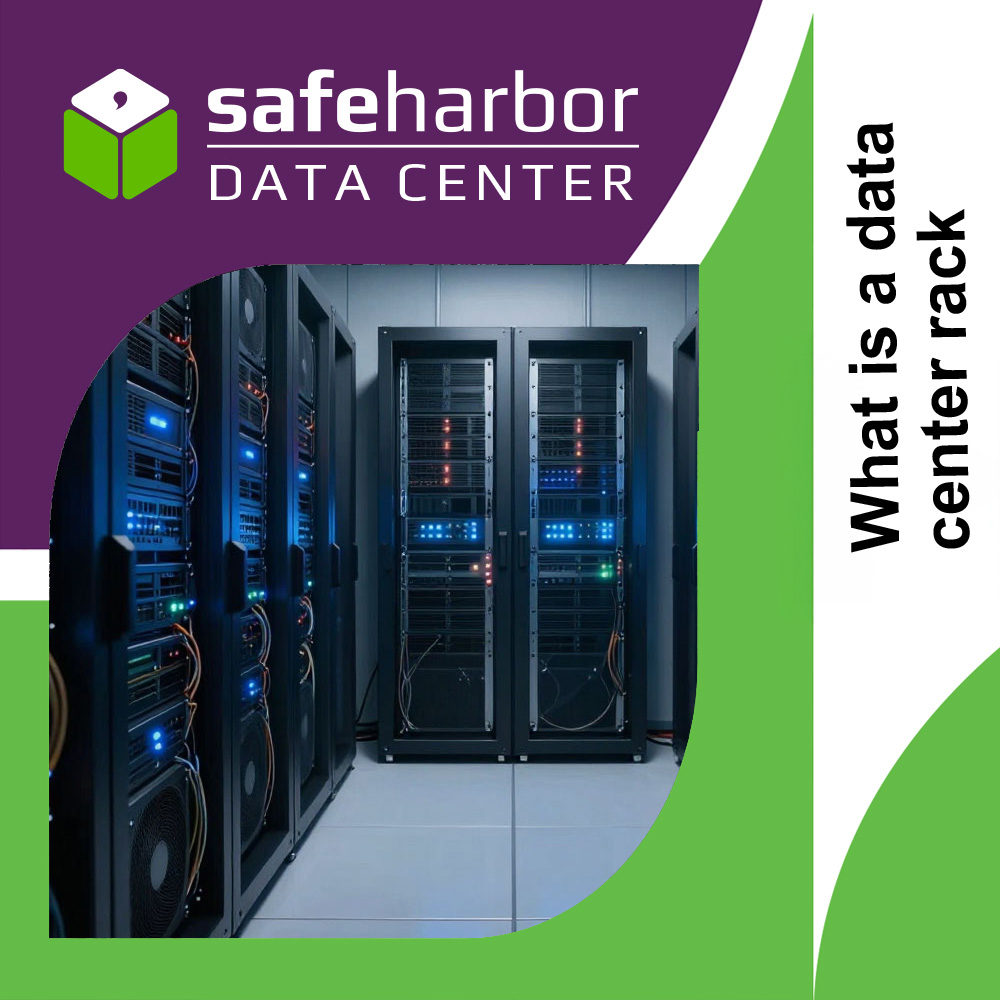
Rack rental is This is a colocation format in which the client receives a complete server rack at their disposal. Its entire internal height (typically 42U-47U) is dedicated to a single company's equipment, without sharing it with other clients. These are no longer separate segments, but a complete unit within the data center.
This approach provides maximum freedom in colocation: you can independently distribute servers, network devices, and storage devices, build your own architecture, and take into account your workload. The equipment is deployed as a single system, simplifying scaling, upgrading, and support.
Rack leasing is in demand when the infrastructure goes beyond fragmented deployment and requires a more systematic approach:
- when working with a large number of servers;
- when building fault-tolerant or distributed systems;
- when using a variety of equipment within a single site;
- for projects with predictable growth and constant load.
This format provides a balance between control and convenience: the client receives isolated space for their tasks and can develop the architecture without the limitations associated with fragmented deployment.
Rack space rental (space in a server room for a rack)
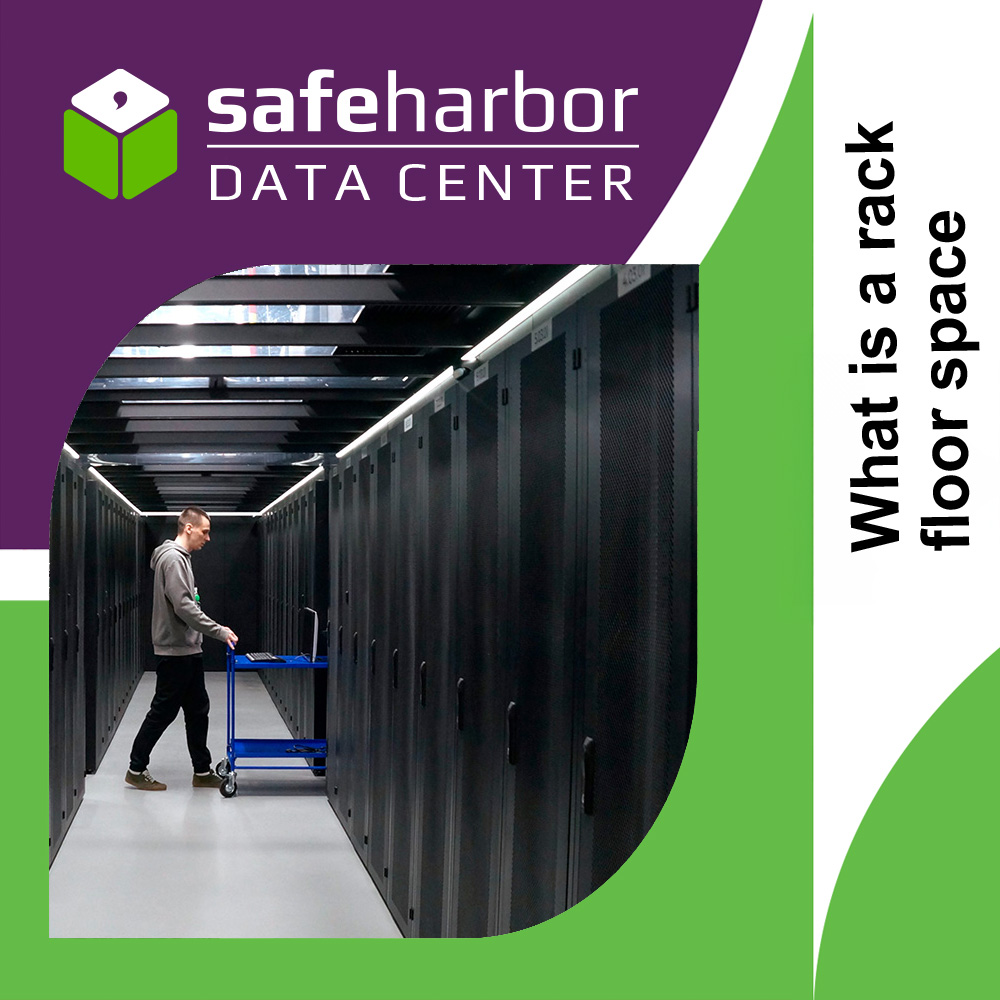
Rack space rental - This is a format in which the client installs their own server rack in a dedicated space in a data center, rather than placing equipment in someone else's rack. In other words, the provider provides a prepared space with access to the engineering infrastructure, while the rack itself and its internal organization remain entirely the responsibility of the client.
Unlike rack leasing, this approach doesn't involve a ready-made solution, but rather the space needed for it. The company independently determines the rack type and configuration, equipment installation scheme, and internal organization principles. This provides greater flexibility in projects with specific form factor or layout requirements.
This format is used in more mature scenarios where standard options are no longer suitable:
- when a company already had a fully equipped server room, but it was time to migrate to a more reliable location;
- when non-standard or specialized racks are needed;
- with corporate standards for equipment placement and unification;
- when maintaining full compatibility with existing hardware and systems is important;
- in projects with increased management and scalability requirements.
Renting rack space in server room effectively transfers the client's own infrastructure unit to the data center, allowing it to be integrated into a professional environment without compromising architecture and internal standards.
How Colocation Works in a Data Center

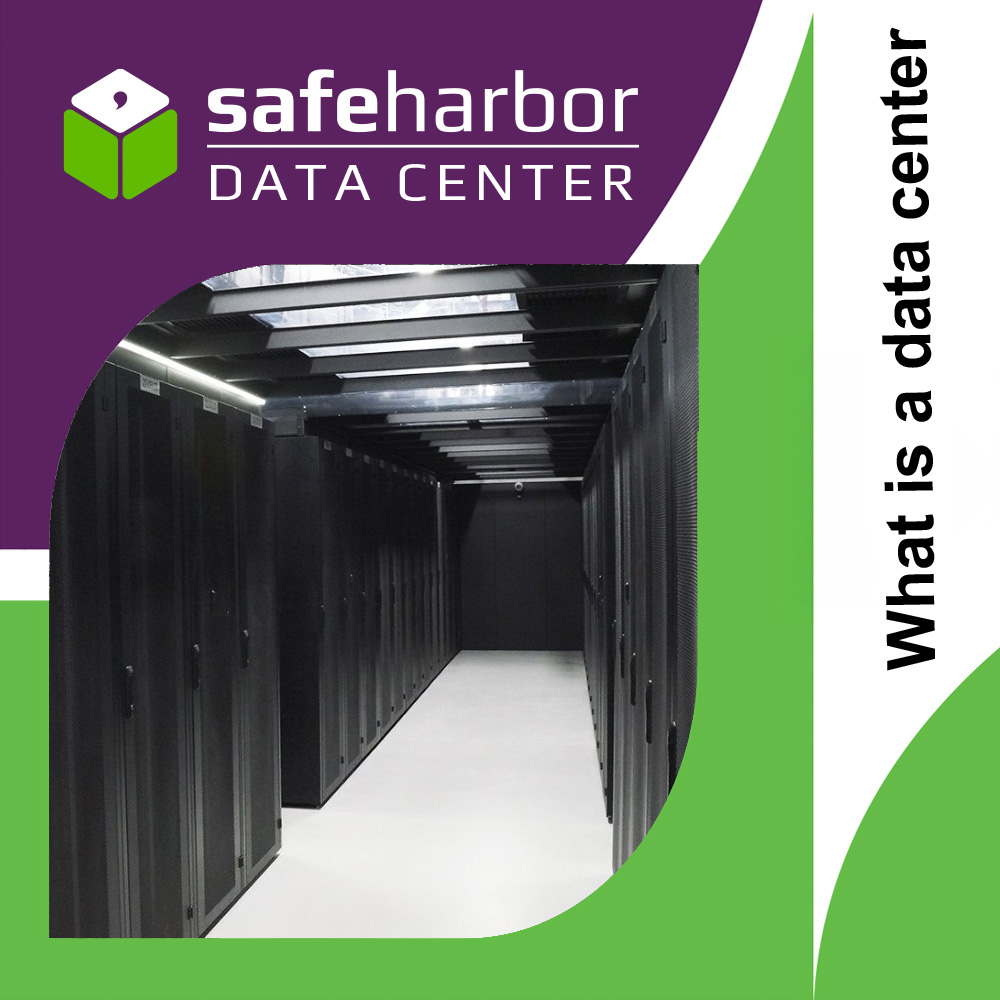
Colocation is based on a ready-made data center infrastructure, into which the client's equipment is integrated. Servers are housed in racks and connected to key site systems: power supply, cooling, and network connectivity. Power supply is typically redundant to prevent downtime during failures; cooling maintains a stable temperature; and the network provides access to the internet and data channels. All these elements operate as a single environment, within which the equipment functions continuously and predictably.
At the same time, areas of responsibility are clearly defined. The client is responsible for their servers, their configuration, software, and data. The data center, in turn, ensures operating conditions: uninterrupted power supply, climate control, physical security, and access to communication channels. This model allows you to focus on business tasks without delving into the operation of the engineering infrastructure.
A key role is played by the SLA (Service Level Agreement)—a service level agreement that defines service availability and quality parameters. The document typically outlines uptime guarantees, compensation terms for disruptions, and basic stability metrics. The SLA formalizes client expectations and establishes transparent rules for interaction with the provider.
Furthermore, the reliability of the site is characterized by Tier levels—a classification of data centers based on their fault tolerance. The higher the Tier, the more redundancy is built into the system and the lower the likelihood of downtime. In practice, this helps determine how well the site meets the requirements of a specific project without having to understand the technical details of the implementation.
What's Typically Included in a Colocation Service?
Colocation isn't just placing equipment in a rack, but also a set of basic infrastructure services that ensure its stable and secure operation. While details may vary from one data center to another, the core set of services typically remains similar and includes the following components:
- Power Supply (Primary + Backup). Ensures continuous equipment operation by connecting to the main power lines and providing backup power via UPS and diesel generators. This minimizes the risk of downtime due to external failures.
- Cooling System. Maintains a stable temperature in server rooms, preventing equipment overheating and ensuring its proper operation under load.
- Internet and Communications. Provides connection to external networks and telecom operators. Multiple independent channels are typically used to increase connection resiliency.
- Physical security. This includes access control to premises, video surveillance, and multi-level protection of the data center premises, preventing unauthorized access to equipment.
- 24/7 monitoring and access. Continuous monitoring of the state of utility systems and the ability for the client to access their equipment 24/7 if work is required on-site.
- Remote hands. On-site technical support allows for basic equipment operations without the client's presence: rebooting servers, replacing components, connecting cables, and other standard tasks.
Overall, the range of colocation services may vary depending on the specific data center and its infrastructure level. In some places, basic services already include advanced monitoring and support capabilities, while in others, these are offered as add-ons. Therefore, when choosing a platform, it is important to clarify the service's composition and terms of provision in advance to understand which resources and services are included in the chosen plan.
Advantages of Colocation
Colocation is seen as a practical solution for infrastructure colocation when it's important to retain control over equipment while reducing the load on in-house resources. This model has a number of key advantages that make it popular in various business segments:
- High reliability. Equipment is deployed in a dedicated environment with redundant power, cooling, and network links, reducing the risk of downtime.
- Control over your own equipment. The client retains full ownership of the servers and independently manages their configuration, settings, and updates.
- Reduced infrastructure costs. There is no need to build and maintain your own server room, which reduces capital and operating expenses.
- Scalability. Infrastructure can be expanded as your workload grows— From individual units to entire racks and dedicated areas.
- Improved physical and network security. Access to equipment is restricted, and the data centers themselves utilize multi-layered protection and isolation systems.
- Predictable operating conditions. Stable power supply, cooling, and connection parameters ensure reliable service operation without external factors in an office environment.
- Flexibility in management. The ability to independently select the equipment configuration and adapt it to specific business needs.
Disadvantages and Limitations
Despite its advantages, colocation remains a model with a number of limitations that are important to consider when choosing a hardware colocation format and customer service. These limitations are related both to the need to own equipment and to the specifics of operating off-premises:
- Requirement for own equipment. The client must independently purchase and maintain servers, which increases initial capital expenditures.
- Responsibility for the technical condition of the servers. All hardware and software remains with the client, including updates, diagnostics, and component replacement.
- Limited flexibility compared to cloud solutions. Scaling requires physical additions of equipment rather than an instant increase in virtual resources.
- Dependent on the selected data center location. Physical placement of equipment can impact access latency and network architecture requirements.
- Requirement for technical expertise. Effective colocation requires a qualified team capable of administering the entire system.
- Logistics and maintenance costs. If physical intervention is required, a data center visit or remote support may be required.
Despite these limitations, colocation remains a balanced solution for companies that value infrastructure control and predictability. With proper process organization, most of the disadvantages are offset by the stability and professional environment of the data center.
Colocation vs. Other Models
To better understand colocation's place among other approaches to infrastructure hosting, it's important to compare it to the most common alternatives. Each model solves similar problems, but does so differently—through the level of control, responsibility, and resource utilization:
- Colocation vs. Dedicated Server With a dedicated server, the provider owns the hardware, and the client leases a ready-made system. Colocation uses its own hardware, which gives greater control over the configuration and lifecycle of the equipment.
- Colocation vs. Cloud. Cloud solutions provide virtual resources that can be scaled almost instantly, without being tied to physical hardware. Colocation, on the other hand, relies on physical servers, which ensures more predictable system behavior and complete control over the infrastructure.
- Colocation vs. On-premise. With the on-premise model, a company places equipment in its own premises and is responsible for the entire engineering structure. Colocation transfers equipment to a specialized data center, relieving the business of the burden of maintaining operating conditions.
The choice between these models depends on business goals, control requirements, and the growth rate of business demand. There is no one-size-fits-all solution— Each model occupies its own niche depending on priorities in terms of flexibility, costs, and level of responsibility.
How to Choose a Colocation Format
Choosing the right colocation format directly depends on the current infrastructure goals and its future development. A mistake at this stage often leads to either overpaying for excess resources or limiting growth, so it's important to evaluate several key factors holistically.
- Business scale. For small projects and startups, colocation of individual servers or units is usually sufficient. As the number of systems grows, it becomes logical to move to subracks or full racks to simplify infrastructure management.
- Power consumption. Different colocation formats have limitations in available power. As the load increases, it's important to consider in advance whether the chosen option can handle the current and future equipment requirements.
- Fault tolerance requirements. For mission-critical systems, more isolated colocation formats are preferable, as they minimize external risks and simplify redundancy.
- Budget. Unit-based colocation is typically the most cost-effective start, while leasing a rack or rack space requires a more significant investment but offers better manageability and scalability.
- Moving from units to rack space. This transition usually becomes justified when the amount of equipment grows to a level where managing individual units becomes ineffective, and the infrastructure begins to be perceived as a single system.
- Moving to rack space or dedicated rack space. This step is relevant when standardized placement, high equipment density, or stable long-term system expansion without frequent architectural changes are required.
Choosing the right colocation format not only optimizes ongoing costs but also lays the foundation for scalability without the need for frequent migrations. As a result, the infrastructure develops more predictably and with reduced operational risks.
How to Choose a Data Center
Choosing a colocation data center isn't just a matter of price or site availability, but also a strategic decision that affects the stability of the entire system. Different data centers can vary significantly in reliability, network capabilities, and service offerings, so they should be evaluated based on a combination of key criteria.
- Location. Geographic location affects service access latency, regulatory requirements, and resilience to external risks. It's important to consider the location of the company's primary users and key systems.
- Tier Level. The Tier classification reflects the level of fault tolerance of the data center. The higher the Tier, the more redundancy built into the engineering systems and the more stable the site's operation during failures.
- SLA (Service Level Agreement). The Service Level Agreement (SLA) specifies availability guarantees, support terms, and compensation in the event of a breach. This is one of the key indicators of a provider's responsibility.
- Communication Channels. It is important to consider the number and quality of telecom operators, the availability of independent channels, and the ability to connect to different networks to increase fault tolerance.
- Reputation and Case Studies. A data center's practical experience, customer reviews, and completed projects help evaluate its reliability in real-world conditions, not just based on its stated specifications.
- Additional Services. The availability of services such as remote administration, monitoring, backup, or equipment support can significantly simplify operation.
A comprehensive assessment of these factors allows you to select a data center that will meet not only current requirements but also future infrastructure growth. This reduces the risk of downtime and improves service predictability.
Typical Use Cases

Colocation is used in various industries where stability, manageability, and predictable service operation are important. Despite the differences in the tasks, all these scenarios share the need to host mission-critical systems in a professional data center environment:
- Hosting providers: They use colocation to host large numbers of servers with high load density, ensuring clients stable access to services and scalability.
- Financial companies: They host transaction processing systems, analytics, and internal services where fault tolerance, security, and business continuity are critical.
- E-commerce. Online stores and e-commerce platforms use colocation to ensure stable website operation, especially during peak load periods and promotions.
- SaaS and IT products. Service developers host their platforms in colocation to maintain control over the infrastructure and flexibly manage performance.
- Disaster Recovery sites. These are used as backup infrastructure for restoring data and services in the event of disasters or outages at the primary site.
Each of these scenarios offers its own advantages of colocation, allowing the infrastructure to be tailored to specific business requirements and workload levels. As a result, companies gain a stable foundation for developing digital services without the need to build their own data center.
Frequently Asked Questions
Below are answers to the most frequently asked questions when getting acquainted with colocation and planning equipment placement in a data center.
Can I start with a single server?
Yes, this is a common practice. You can start with a minimal setup—one server or unit—and then gradually expand the system as your needs grow.
How is access to the equipment ensured?
Access is provided according to pre-agreed rules through the access control system. The client can visit the site to work on the equipment or use remote management tools.
What to do in case of a breakdown?
The client remains responsible for the equipment. If necessary, you can use remote technical support to perform basic tasks without being present in person.
Is it possible to scale without relocating?
In most cases, yes. The infrastructure can be expanded within the current site—by adding new units, equipment, or by upgrading to larger hosting formats.
DR or DRaaS?
DR (Disaster Recovery) assumes that the company independently builds and manages the backup infrastructure for service restoration. DRaaS (Disaster Recovery as a Service) is a service in which part or all of the backup and recovery process is transferred to the provider. The choice depends on resources and expertise: if you have an in-house team, DR is often chosen, while if you need to simplify management, DRaaS is the better choice.